


Why measuring win rate by hour and session can boost your ROI
You can increase return on investment (ROI) not just by changing strategy, but by changing when you trade. A win rate calculator that breaks results down hourly and by session (e.g., morning, afternoon, overnight) reveals patterns that total win-rate numbers hide. When you track granular results, you discover the specific periods that produce higher probability outcomes and better risk-adjusted returns.
Tracking hourly and session results helps you answer practical questions: Are your best trades clustered in a single hour? Do certain market sessions create more false signals? Is your edge evaporating during low-liquidity periods? Once you identify time-based strengths and weaknesses, you can increase position sizing during favorable windows and scale back when your edge declines — directly improving ROI.
Core metrics to capture with a win rate calculator
For the calculator to be useful, you need consistent inputs. Capture both outcome-focused and context-focused data so you can compare apples to apples across hours and sessions:
- Outcome metrics: wins, losses, win rate (%), net profit/loss, average win, average loss, and ROI per trade or per dollar risked.
- Timing metrics: exact entry time, exit time, trade duration, and market session label (e.g., pre-market, regular, after-hours).
- Risk/context metrics: position size, risk per trade, stop and target rules, and underlying instrument or strategy tag.
- Sample and quality indicators: number of trades per hour/session, variance, and notes on unusual market events (news, low liquidity).
Recording these fields consistently lets your win rate calculator compute meaningful hourly win rates, ROI-per-hour, and session-level performance that you can trust rather than rely on small-sample noise.
How to interpret hourly and session results without overfitting
Finding a high win rate for one specific hour is useful only if it’s repeatable. When you analyze results, apply these guardrails so your changes actually improve ROI instead of chasing randomness:
- Look for patterns across multiple days or weeks, not just one day.
- Require a minimum sample size per hour/session before increasing risk there (for example, 30–50 trades).
- Compare ROI per hour, not just win rate — a high win rate with tiny wins and occasional large losses can still produce negative ROI.
- Adjust for market regime: volatility and liquidity differ across sessions and can change your edge.
With this disciplined approach, you’ll be able to turn the raw outputs of a win rate calculator into actionable scheduling decisions: concentrate capital when statistically favorable and reduce exposure when your edge is weakest.
Next, you’ll learn practical steps to set up a win rate calculator, choose time buckets, and implement automated reporting so hourly and session insights feed directly into your risk management and position-sizing rules.
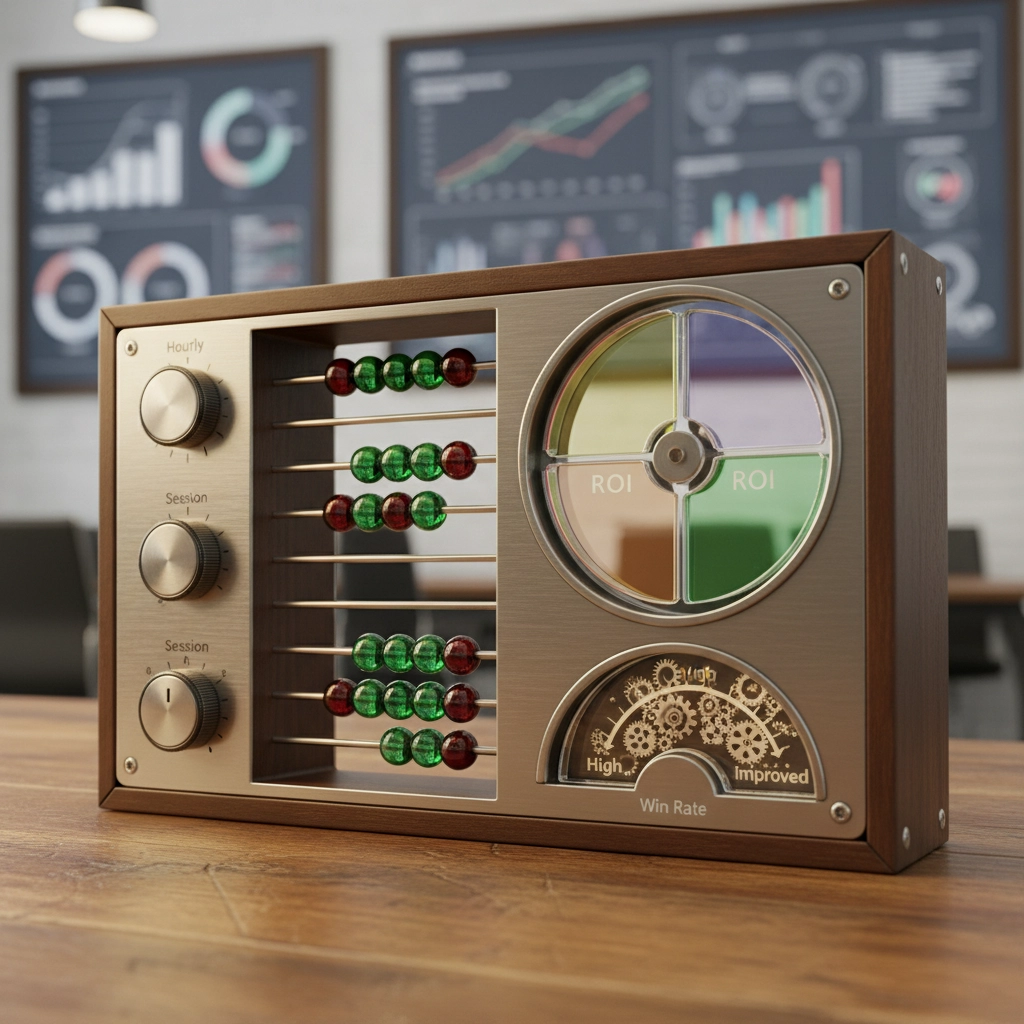
Practical setup: building your hourly/session win rate calculator
Start with a simple, auditable data flow that takes trade records from your platform into a spreadsheet or a light database. Minimum viable fields: trade ID, symbol, entry timestamp (ISO), exit timestamp, side, size, entry price, exit price, realized P/L, max adverse excursion (optional), stop/target labels, and a strategy tag. From there, derive these calculated columns: duration (exit – entry), hour-of-day (in a chosen timezone), session label, ROI-per-trade (P/L ÷ capital risked), and binary outcome (win/loss).
Choose time buckets deliberately:
– Hourly (0–23) for intraday granularity.
– Half-hour or 15-minute buckets if you trade very short timeframes.
– Session labels (pre-market, regular, after-hours; or regional sessions like London/New York/Asia) to capture liquidity and overlap effects.
Implement the core calculations in one of these ways depending on scale and skillset:
– Google Sheets / Excel: use pivot tables to aggregate win count, loss count, average ROI, and net P/L by hour/session. Use formulas like =COUNTIFS(…) and =SUMIFS(…) for custom metrics.
– SQL: write GROUP BY hour(session_timestamp AT TIME ZONE ‘market_zone’) to produce hourly aggregates, and join with a trades table for tags/strategy filters.
– Python/PowerBI: ingest CSV or API stream, compute groupby aggregations and export dashboard-ready data.
Apply basic statistical checks inside the sheet or script:
– Include a trade count per bucket column and highlight hours with fewer than your minimum sample (e.g., Automate reporting, alerts, and tie insights to position-sizing rules
Automate data ingestion and reporting so insights are timely and consistently applied. Methods:
– Export trade history nightly via broker API or generated CSV. In Google Sheets, use Apps Script or a scheduled Zapier/Integromat flow to append records.
– Run a daily job (cron or cloud function) that recalculates hourly/session aggregates and pushes a summary to Slack, email, or a dashboard.
Create threshold-based alerts to act without constant manual review:
– Alert if ROI-per-hour deviates from the baseline by X% AND trade count > minimum, or if win rate drops below a threshold for Y consecutive sessions.
– Send a “high-confidence window” notification only if metrics pass both sample-size and statistical stability checks.
Finally, connect results to position-sizing rules conservatively:
– Define explicit triggers: e.g., only increase position size in an hour if you have ≥50 trades in that hour historically, ROI-per-hour exceeds baseline by ≥20%, and the last 10 trades in that hour show positive expectancy.
– Use multiplicative adjustments (e.g., scale factor 0.8–1.5) instead of binary on/off sizing. Backtest scaling rules historically before live use.
– Consider risk-based formulas (modified Kelly or fixed-fraction) that take hour-specific edge and volatility into account; cap maximum adjustments to avoid regime-switch risk.
Document every rule and keep a changelog. That discipline closes the loop from measurement to action while protecting ROI from emotional or data-snooping mistakes.

Operationalizing time-based edge
Turn the measurement tools you’ve built into disciplined practice: start with a minimal live implementation, enforce a changelog for any sizing or scheduling rules you apply, and treat hourly/session signals as probabilistic inputs rather than binary commands. Automate ingestion and alerts so insights arrive before decisions, but always gate position-size increases behind explicit sample-size and stability checks. For a concise refresher on the core metric you’re optimizing, see the Return on investment (ROI) guide.
Frequently Asked Questions
How many trades per hour or session do I need before trusting a win rate?
A practical minimum is 30–50 trades per bucket to reduce random noise; use Laplace smoothing for smaller samples and require consistency across multiple days or weeks. Also check ROI-per-hour and standard error—high win rate with poor ROI or high variance is not reliable.
Can I automate position-sizing changes based only on an hourly win rate?
Yes, but only with conservative, rule-based automation. Require threshold conditions (minimum trade count, ROI advantage over baseline, recent positive expectancy), use multiplicative scale factors rather than binary on/off changes, cap maximum adjustments, and backtest the scaling rules across different market regimes before deploying live.
What common pitfalls should I avoid when using hourly/session win-rate data?
Avoid overfitting to small samples or single-day anomalies, ignoring regime shifts (volatility/liquidity changes), relying solely on win rate instead of ROI and drawdown metrics, and making large sizing changes without backtesting. Maintain documentation and periodically revalidate your rules with fresh data.